Views
Windshift shows the same work in different views. Each view supports a different task. You can point any view to a workspace, iteration, or collection.
Board view
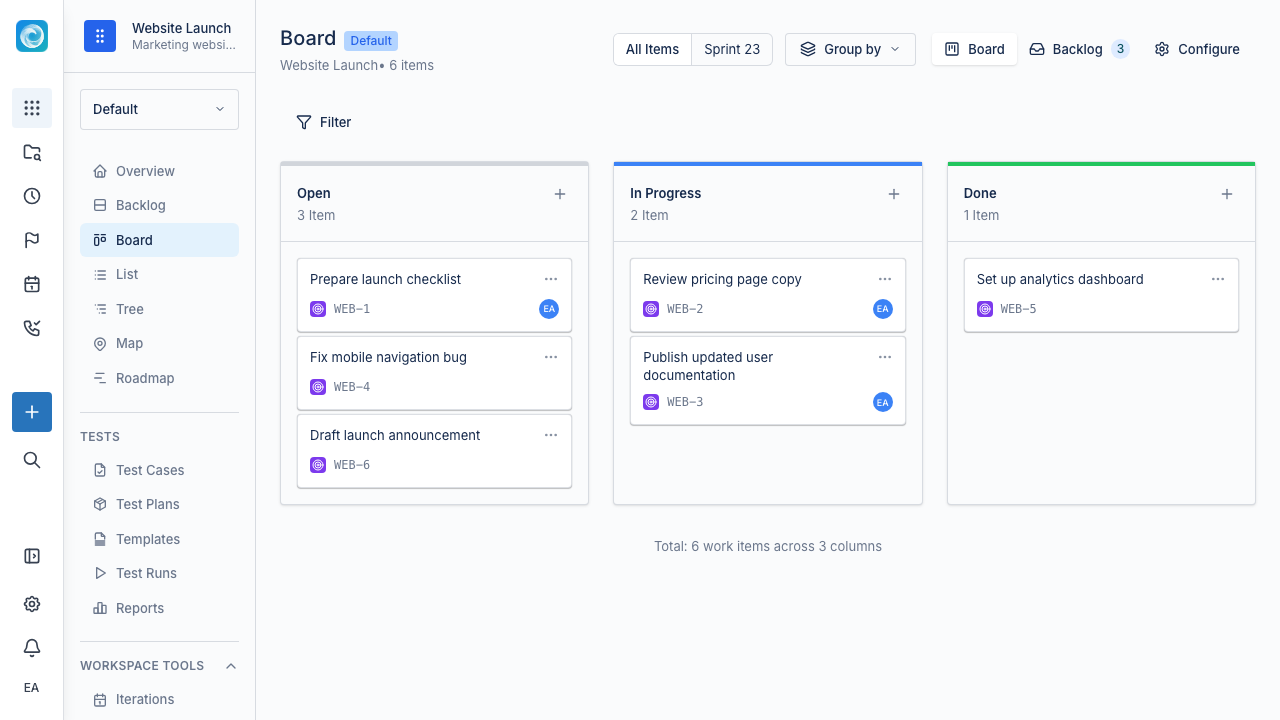
The board shows work as cards grouped by status. Each status has one column. Drag cards between columns to move work through the workflow. Use the board for standups, daily delivery tracking, and blocked work.
Backlog view
The backlog shows items outside an iteration in priority order. Use it to triage incoming work, refine items, and prepare the next work.
List view
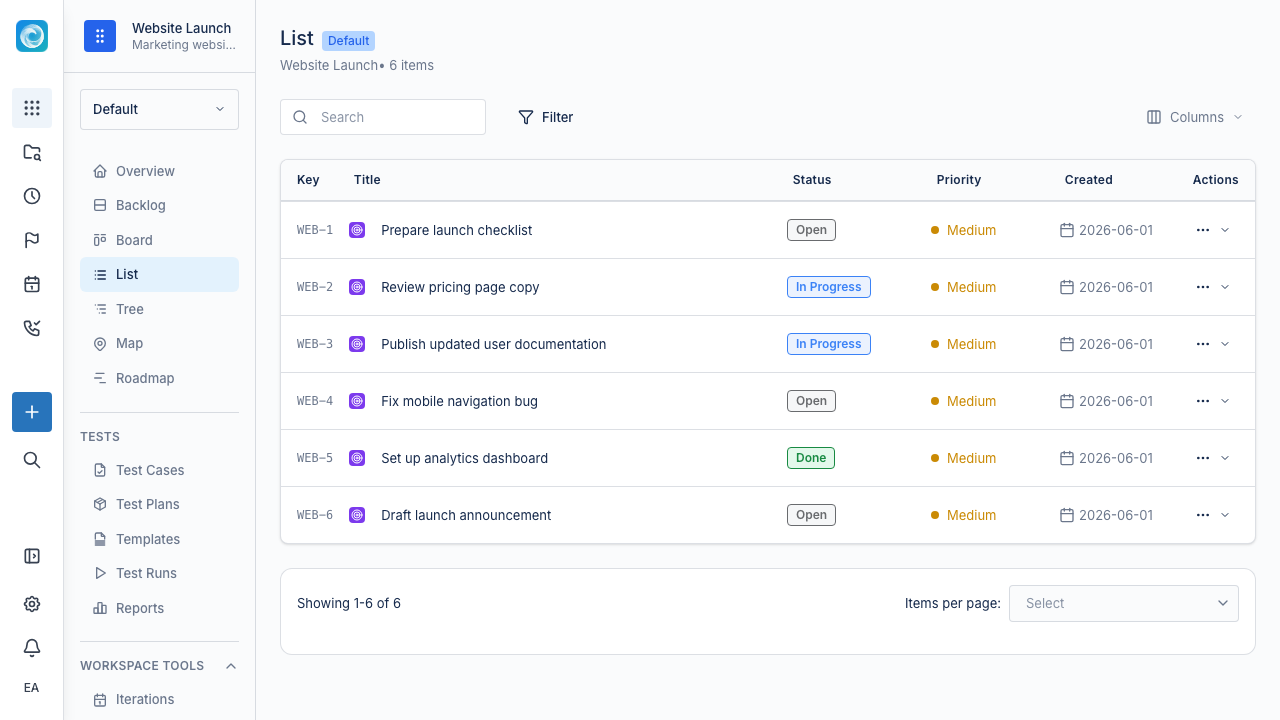
The list is a dense, sortable, filterable table. Use it to scan or bulk-edit many work items. You can export lists to CSV.
Tree view
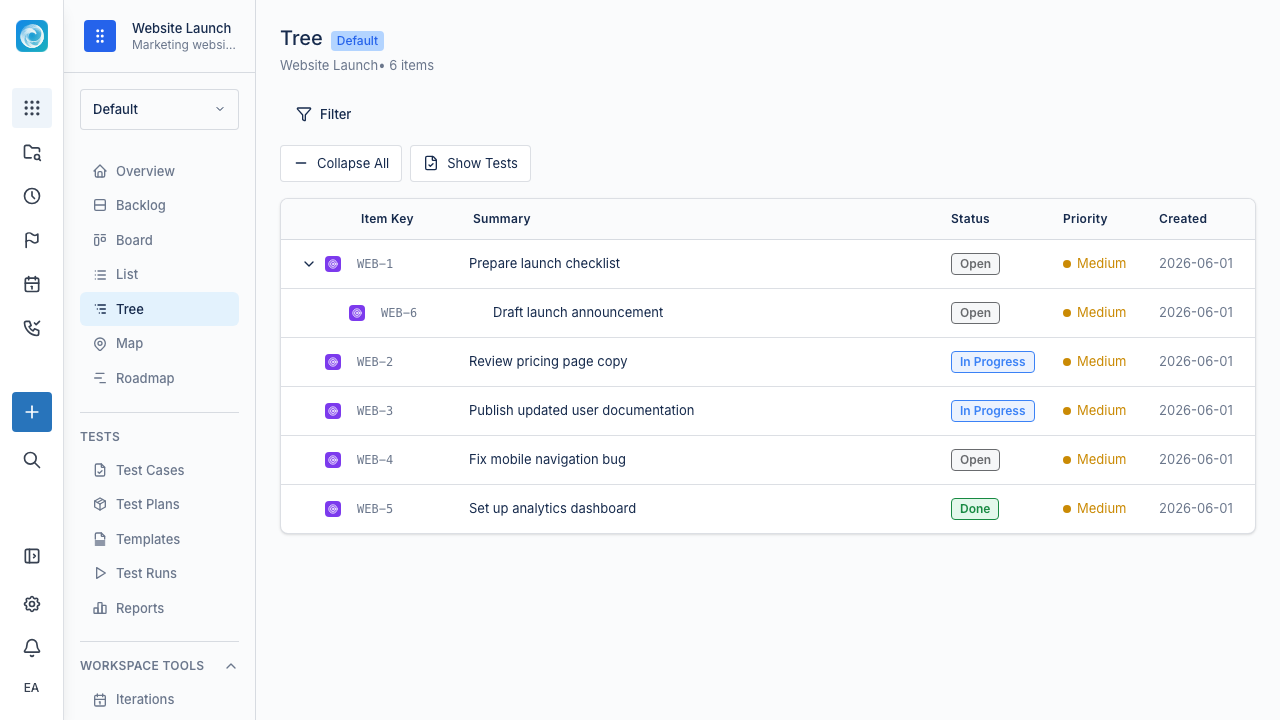
The tree shows parent-child relationships between work items. Expand and collapse branches to move from an Epic to its Stories and Tasks. Drag items to change their parent.
Map view
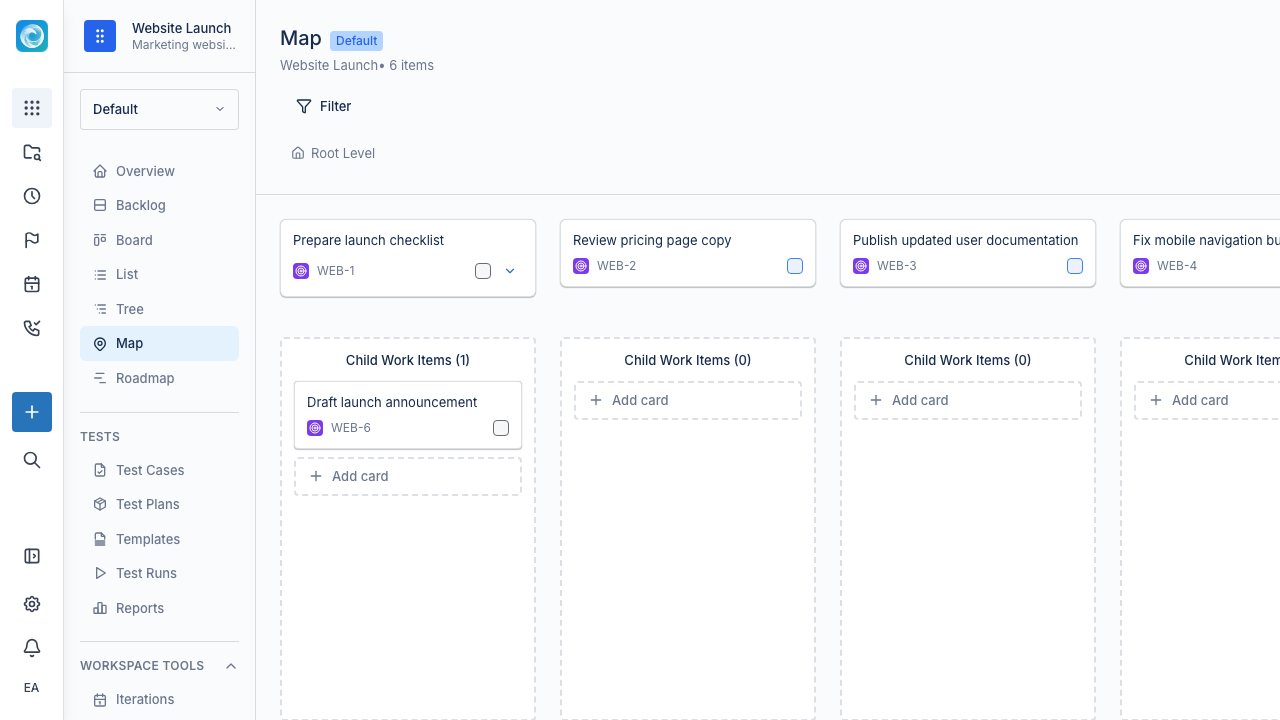
The map renders work item relationships as a graph. Use it to see links, dependencies, and blockers across a larger effort. It helps you understand the work structure rather than daily flow.
Roadmap view
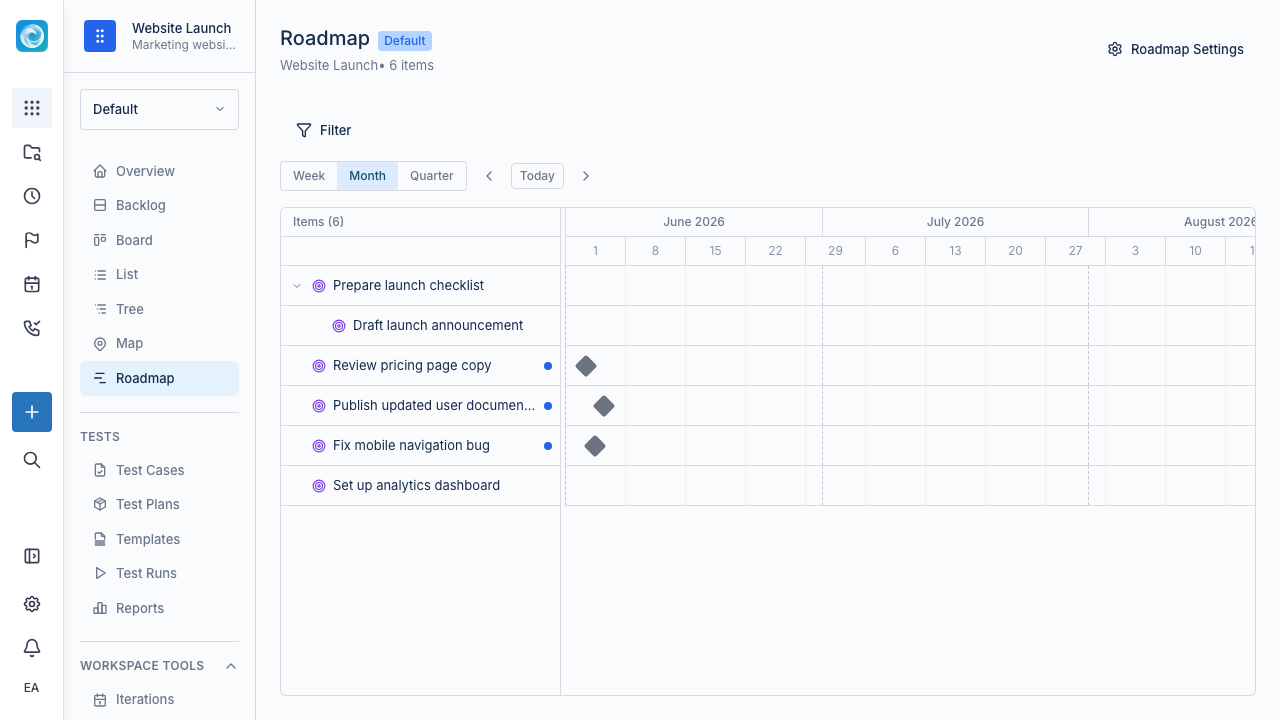
The roadmap puts milestones and iterations on a timeline. Use it to plan releases, communicate dates to stakeholders, and check whether active work can meet committed targets.
Calendar view
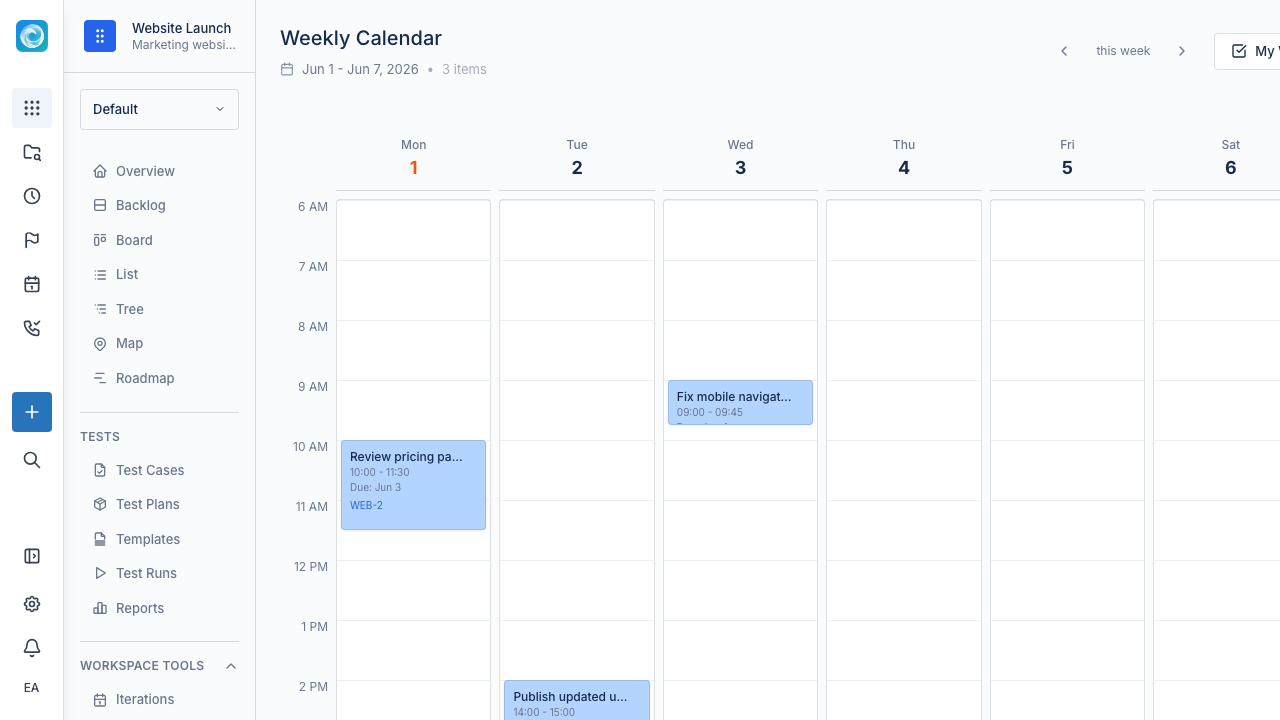
The calendar shows scheduled work on a weekly grid. Drag an empty slot to create a task. Drag an existing item to reschedule it. Use the calendar for time-sensitive work, such as releases, content, campaigns, and work tied to a date.
Personal view
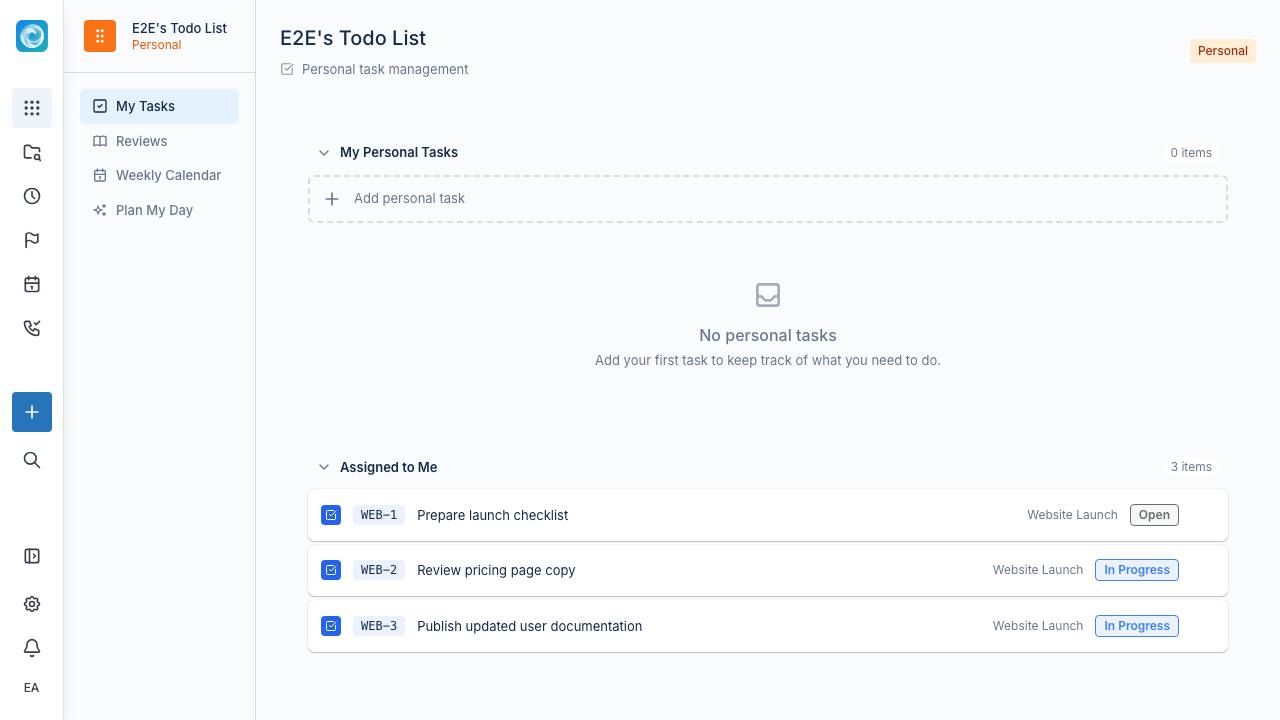
The personal view shows work that belongs to you. This includes assigned items, watched items, mentions, and upcoming due dates across accessible workspaces.
Choosing the right view
| If you want to... | Use... |
|---|---|
| Prioritise upcoming work | Backlog |
| Track active delivery | Board |
| Scan and bulk-edit many items | List |
| Understand hierarchy | Tree |
| Understand relationships | Map |
| Plan dates and releases | Roadmap |
| Schedule work day by day | Calendar |
| Focus on your own work | Personal view |