Teams
A team is a named group of people used for coverage, on-call, and service levels. Open Teams in the main navigation.
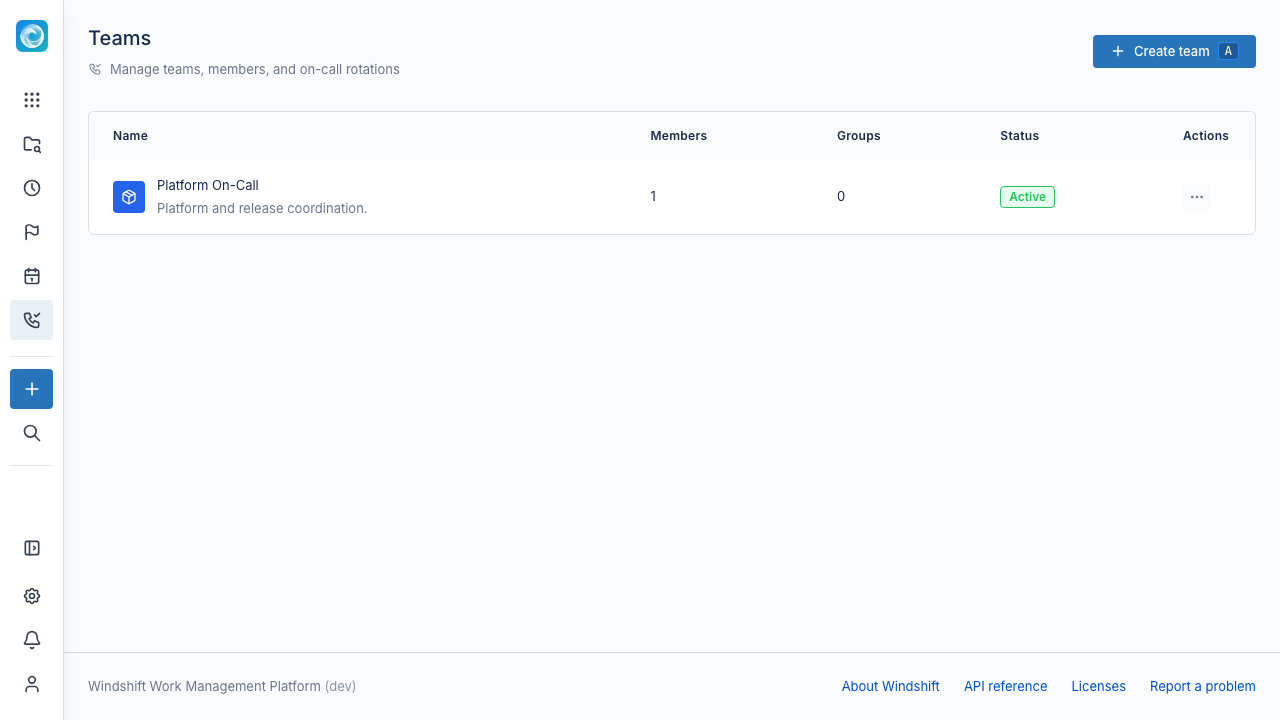
Create a team
A team has a name, an optional description, and an icon, color, or avatar. A user with the teams.manage global permission or a team administrator can manage the team. See Global Permissions.
Members and roles
A team has direct members and mapped groups.
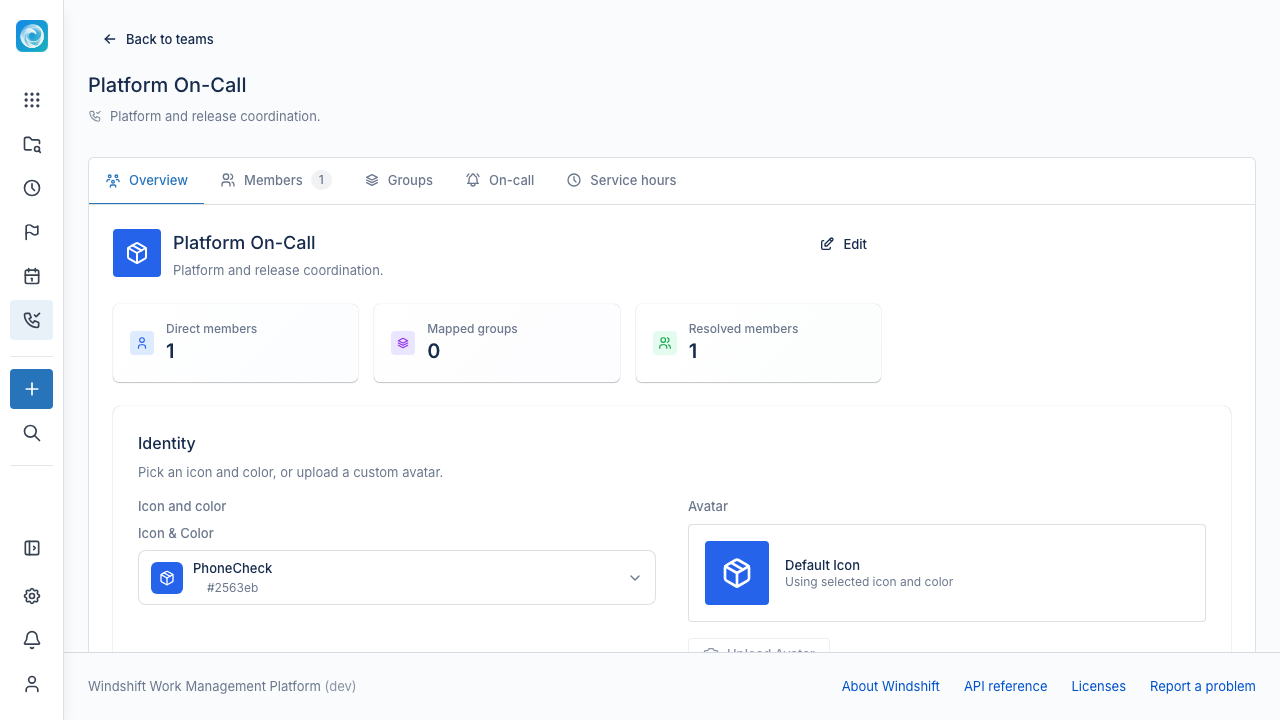
- Each direct member has a role, either Member or Admin.
- A mapped group adds every member of that group to the team.
- The Resolved members list is the union of direct members and members from mapped groups.
A team administrator can manage the team and its schedules. Other members can view the team.
On-call
The On-call tab manages on-call schedules.
A schedule has a name, a time zone, and one or more layers. Each layer has:
- A priority. Lower numbers are more primary.
- A rotation type: daily, weekly, or custom.
- An interval in days for a custom rotation.
- A handoff time.
- A start date and an optional end date.
- Members in rotation order. The first member is on-call first.
Use an Override to replace one person with another for a period, such as vacation coverage. An override has a replaced user, a replacement, a start and end time, and an optional reason.
The Overview tab shows who is currently on call.
Service hours
The Service hours tab manages business-hours calendars. A calendar defines the hours a team works. Service-level goals bound to a workspace use the calendar to measure response and resolution times. See Service levels.
Before you change a calendar, select Preview impact to see the ongoing service-level cycles that use it. A service-level goal that references a calendar prevents deletion.
Leave
Users schedule leave in Profile, then Leave. A leave period has a start date, an end date, an optional reason, and an optional substitute. The substitute covers on-call shifts during the leave.