Actions
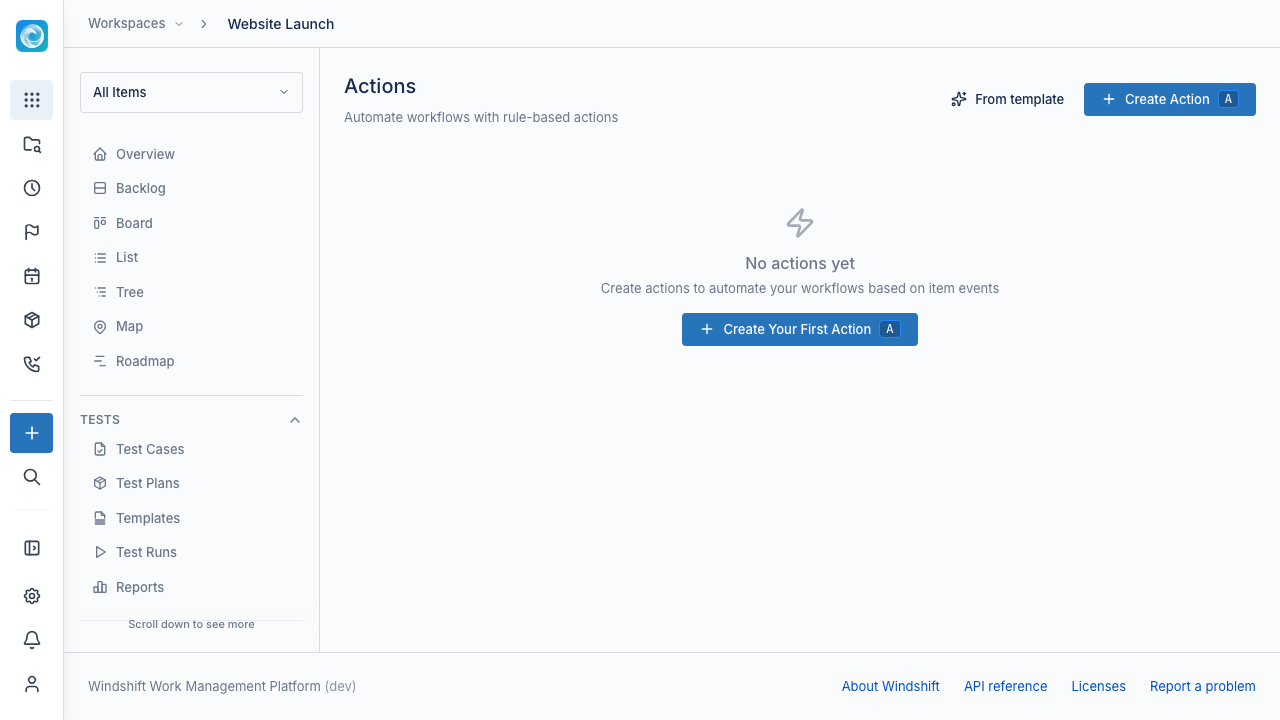
An action automates a workflow with a trigger and a flow of steps. Actions run inside one workspace. Open a workspace and select Actions, or open workspace settings and select Actions.
Triggers
An action starts from one trigger:
| Trigger | When it runs |
|---|---|
| Status Transition | An item moves from one status to another. |
| Item Created | Someone creates an item. |
| Item Updated | Someone changes a field. |
| Item Linked | Someone links items. |
| Comment created | Someone adds a comment. |
| Item inactive | An open ticket has no activity for a set number of hours. |
| SLA breached | A service-level target elapses. |
| SLA warning | A service-level target reaches its warning threshold. |
| Manual | A user runs the action from an item. |
Turn on Respond to action-triggered changes to let the action run when another action causes the change.
Steps
A flow connects steps with edges. Available steps:
- Set Field, Set Status, Adjust Labels, and Transition item change an item.
- Add Comment and Insert canned response add a comment. Mark a comment private to keep it internal.
- Notify User and Notify customer send a notification.
- Condition branches on a field value with true and false paths.
- For each related item repeats the steps for related work.
- Round-robin assign assigns the item to the next person in a team.
- Create Asset and Update Asset change asset records.
- Create milestone creates a planning milestone.
- HTTP Request calls an external HTTP endpoint.
- Run Container runs a container image.
- AI Extract reads structured data with a model.
- AI Agent runs an agent with tools.
Steps that call an external service use a capability that an administrator provisions. For example, an HTTP Request step uses an HTTP client capability, and an AI step uses an LLM connection.
Each step can use placeholders such as {{item.title}} and {{trigger.actor_user_id}}. The placeholder reference lists the available variables.
Run as
By default an action runs with the permissions of the user who triggered it. Set Run as to run the action as a specific user. This needs the action.set_actor global permission. See Global Permissions.
Manual actions
A manual action runs when a user selects it on an item. Choose who can run it: all workspace editors, or only members of selected workspace roles. Workspace administrators always keep access.
Test and monitor
Select Test Action to run an action against a chosen item. The run bypasses the normal trigger.
View Logs shows every run with its status: Running, Completed, Failed, or Skipped. Each log shows the start and end time and any error. Open a run to see the execution trace, step by step.
Templates
Select From template to create an action from a shipped blueprint. Each apply creates a new action you can edit.