Assets
Assets track the things work is about, such as devices, services, or locations. Open Assets in the main navigation.
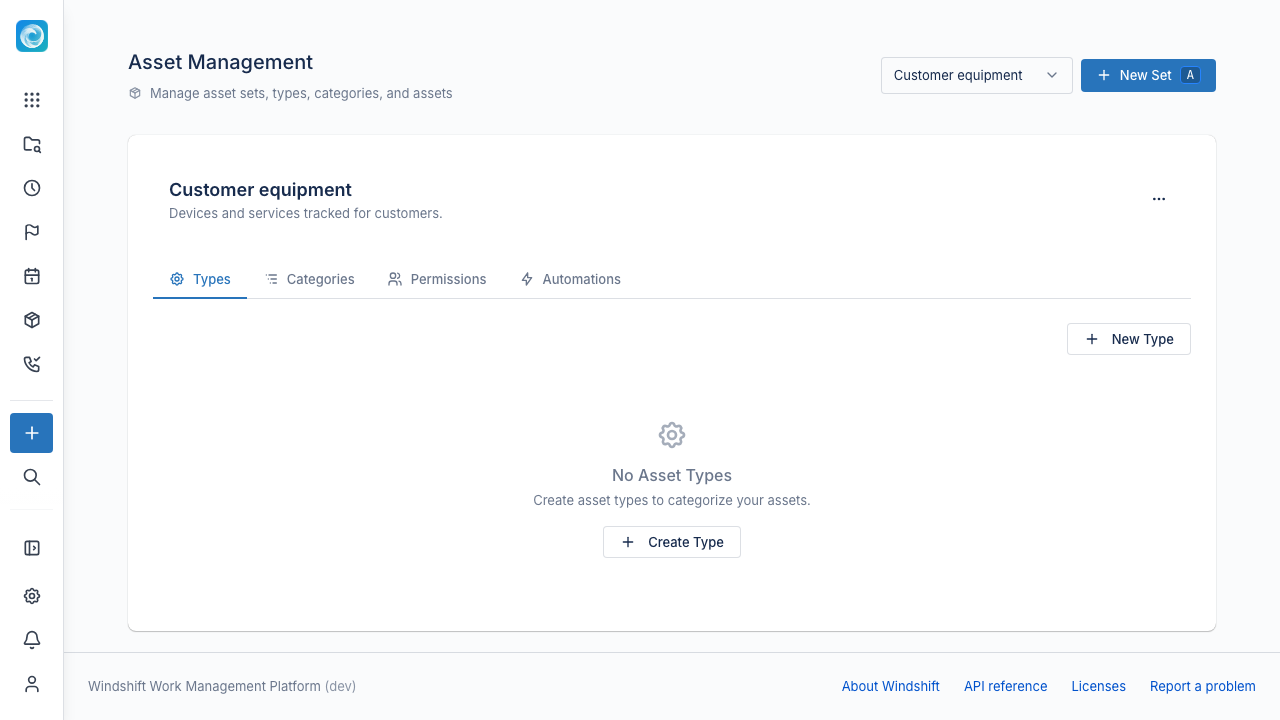
Asset sets
An asset set is a container for one kind of asset inventory. A user with the asset.manage global permission or a system administrator creates a set. See Global Permissions.
You can expose a set to customer portals. Portal visitors then read assets in the set through a portal report that references it. See Customers and organisations.
Types and fields
Each set has asset types. A type has a name, an icon, a color, and custom fields. Asset types categorize the assets in the set.
Categories
Categories organize assets in a set in a tree. A category can have a parent category.
Assets
An asset has a type and an optional category and status. It also has a title, a description, and an asset tag. It stores values for the custom fields of the type.
Permissions
An asset set has roles that you assign to users and groups:
- Viewer reads assets.
- Editor changes assets.
- Administrator manages the set, its types, categories, and roles.
- Everyone gives the role to every user. Individual assignments override it.
Automations
The Automations tab configures actions that run on asset events. An asset action has a trigger and steps such as create item, set field, set status, notify user, and condition. See Actions.
Import
Select Import on an asset set to load assets from a spreadsheet. The import wizard uploads the file, suggests field mappings, and can create a new asset type for the data.