Statuses and Workflows
Statuses and workflows define how work moves. Only system administrators can manage them.
Status categories
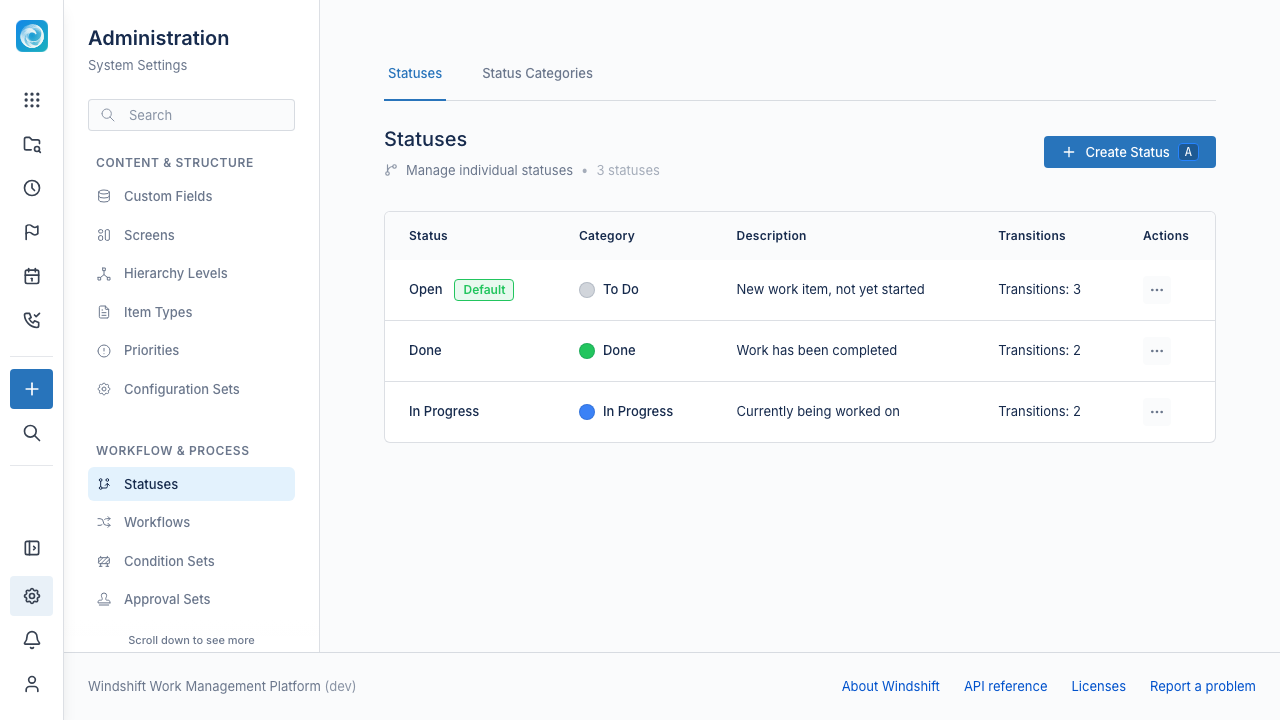
A status category groups statuses and gives them a shared color. Each category has a Marks work as completed flag. Windshift treats items in a completed category as done in reports and progress.
Common categories are To Do, In Progress, and Done.
Statuses
A status is one stage, such as Open, In Review, or Closed. Every status belongs to a status category. One status is the default for new items.
Workflows
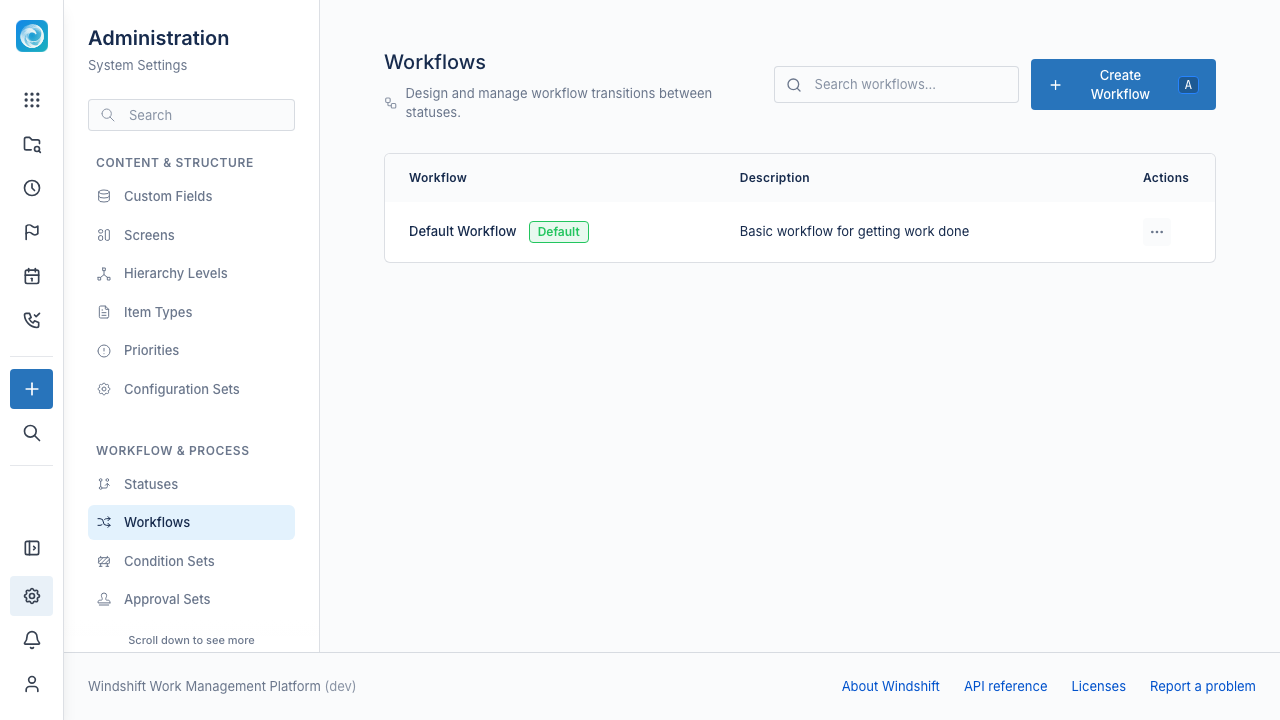
A workflow is a set of allowed transitions between statuses. A transition moves an item from one status to another. A workflow can also define:
- Initial transitions that enter the workflow from no status.
- From all statuses transitions that apply from any status.
A configuration set assigns one default workflow. An item type can override it.
Condition sets
A condition set adds rules to the transitions of one workflow. It decides who can use a transition and under what conditions. See Condition Sets.
Approval sets
An approval set adds a decision step to a status. An item in an approval status cannot leave it until the approval completes. See Approval Sets.
Manage statuses and workflows
- Open Admin, then Workflow & Process.
- Select Statuses, Workflows, Condition Sets, or Approval Sets.
- Create or edit an entry.
- Save the entry.