Users and Groups
Users are the people who can sign in to Windshift. Groups collect users so you can grant permissions and workspace roles to many people at once.
Only system administrators can manage users and groups.
Users
The Users list shows each account with its name, email, username, status, and last activity.
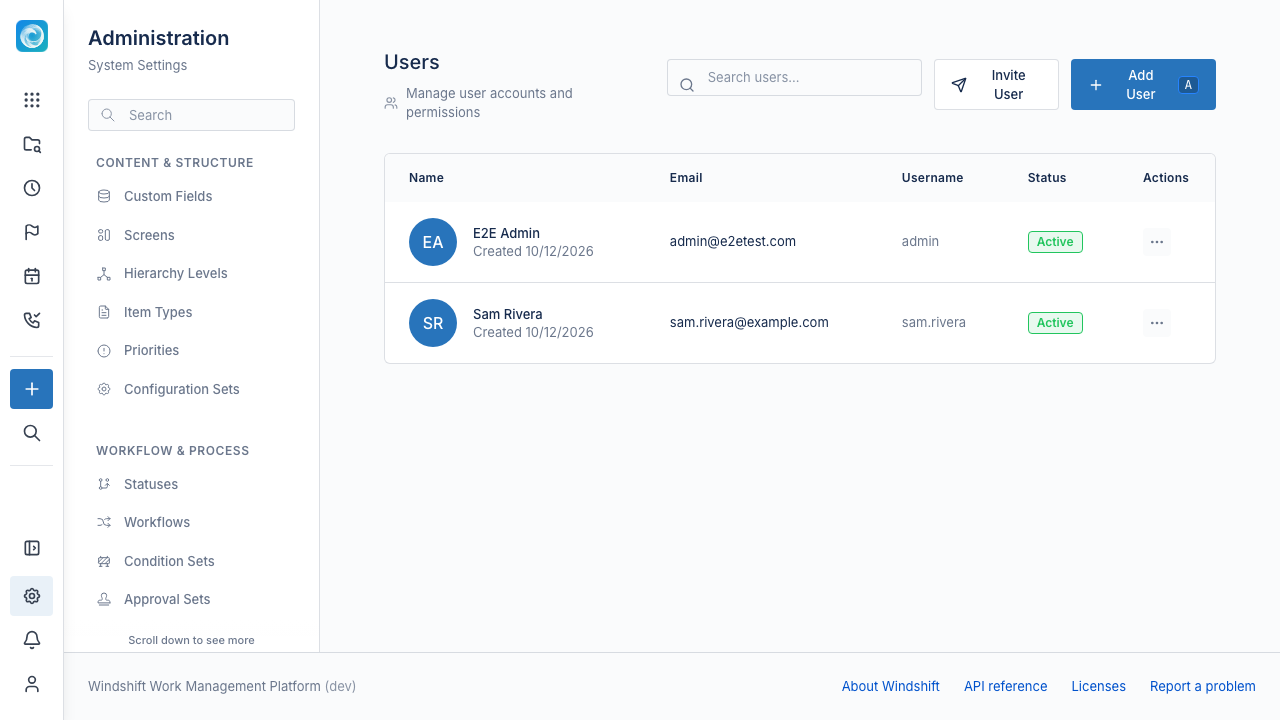
You can:
- Create a user with a username and password.
- Invite a user and copy the invitation link from the result dialog.
- Edit account details such as name and email.
- Reset password by setting a new password.
- Deactivate or activate an account to control sign-in.
- Delete an account and remove its sessions.
You cannot deactivate or delete your own account. A request to erase personal data is a separate data-subject operation.
Agents
A service account is a special user marked as an agent. Agents inherit the permissions of their owner. While an agent is active, you can mint an API token for it from the row menu.
Groups
A group is a named set of users. Groups are useful for permissions and workspace roles.
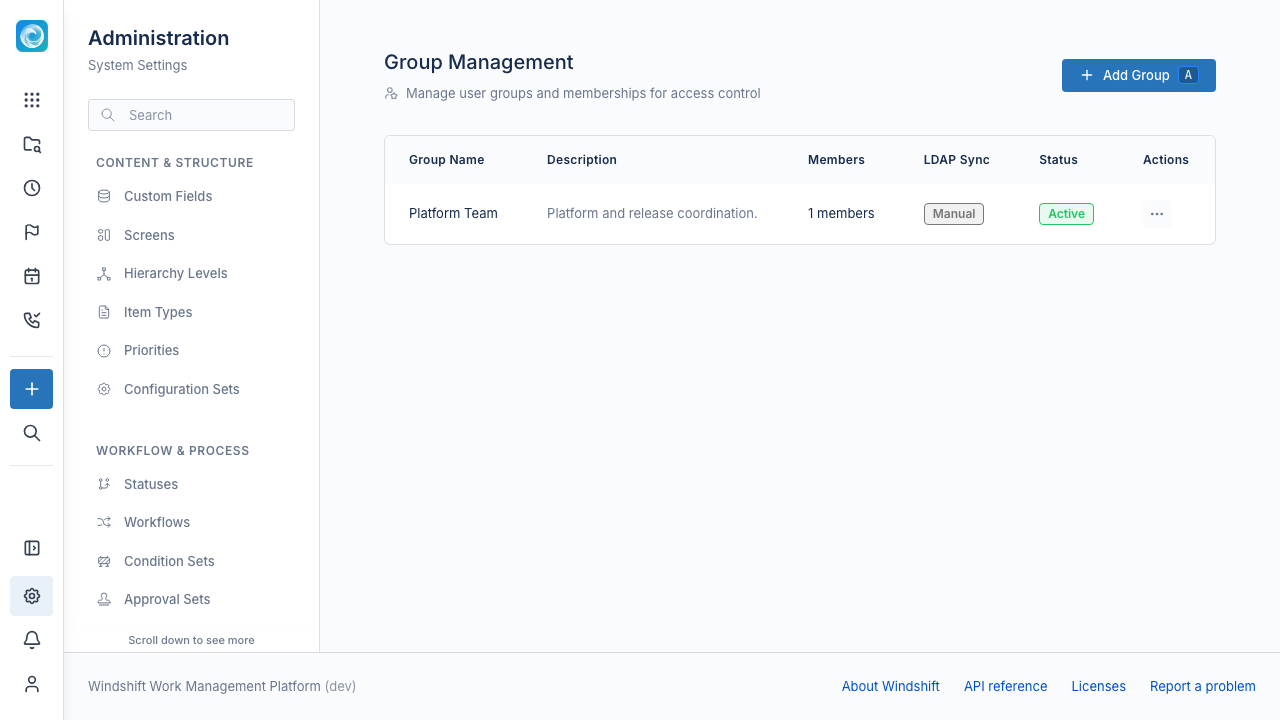
You can:
- Create a group with a name and description.
- Manage members by adding and removing users.
- Deactivate a group. An inactive group does not grant its permissions.
- Delete a group. Windshift removes its memberships.
Windshift keeps some groups as system groups. You cannot delete a system group. Windshift manages groups synced from LDAP or SCIM in the directory. You cannot edit them by hand.
Groups can hold global permissions and workspace roles.