Notification Settings
A notification setting is a named set of rules that decide which events send notifications and who receives them. A configuration set assigns one notification setting to a workspace.
Only system administrators can manage notification settings.
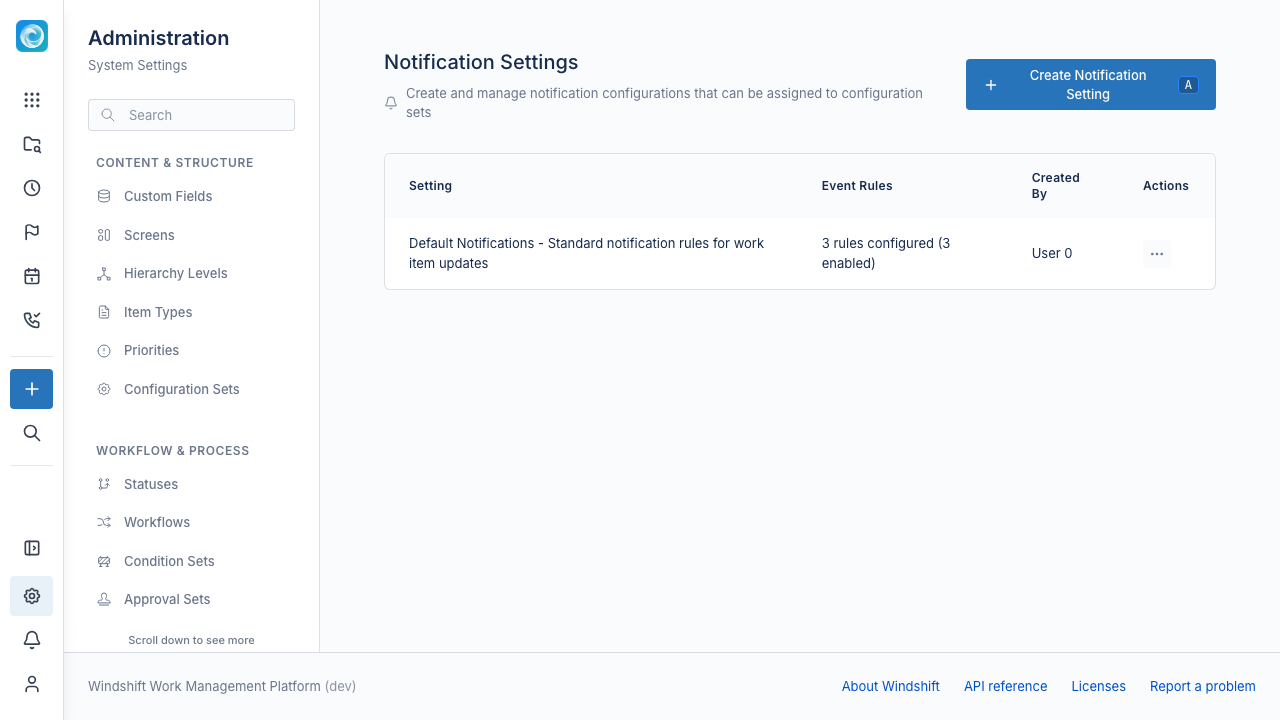
Event rules
Each rule has:
- An event type, such as an item assignment or a new comment.
- Recipients: the assignee, the creator, watchers, or workspace administrators.
- An optional custom message template. Leave it empty to use the default message.
Add one rule for each event you want to notify.
Create a notification setting
- Open Admin, then Communication, then Notification Settings.
- Select Create Notification Setting.
- Enter a name and description.
- Keep Active selected so a configuration set can use the setting.
- Add event rules and select recipients.
- Save the setting.
Assign a setting
A configuration set assigns one notification setting. See Configuration Sets.
Related documentation
- Email Templates for the message content.